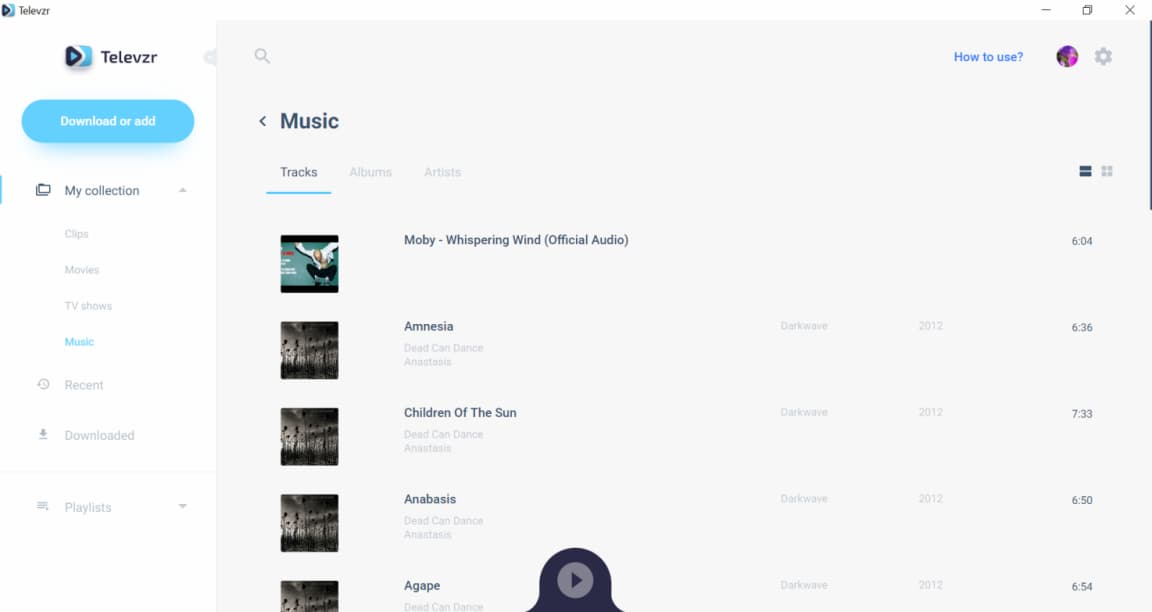
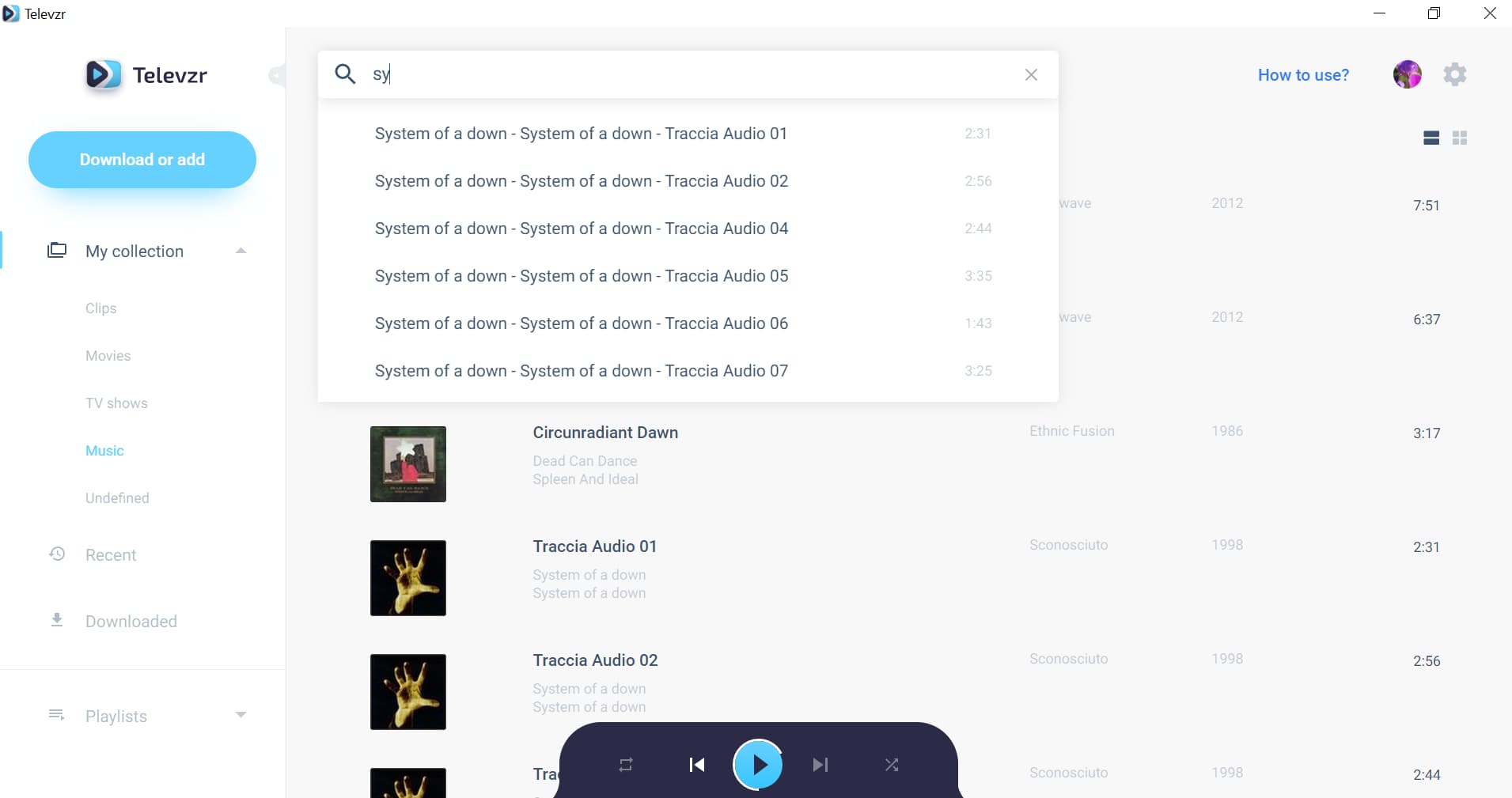
Televzr is a feature-rich and flexible solution designed to play all kind of videos and music in a user-friendly and powerful interface. All what you have to do is to install Televzr on your computer and run the program.
Televzr is a feature-rich and flexible solution designed to play all kind of videos and music in a user-friendly and powerful interface. All what you have to do is to install Televzr on your computer and run the program.
Televzr is designed to automatically sort your videos by categories and keep your digital library collection always in order and easily accessible. All the video files are divided into clips, movies and tv shows, according to content type.
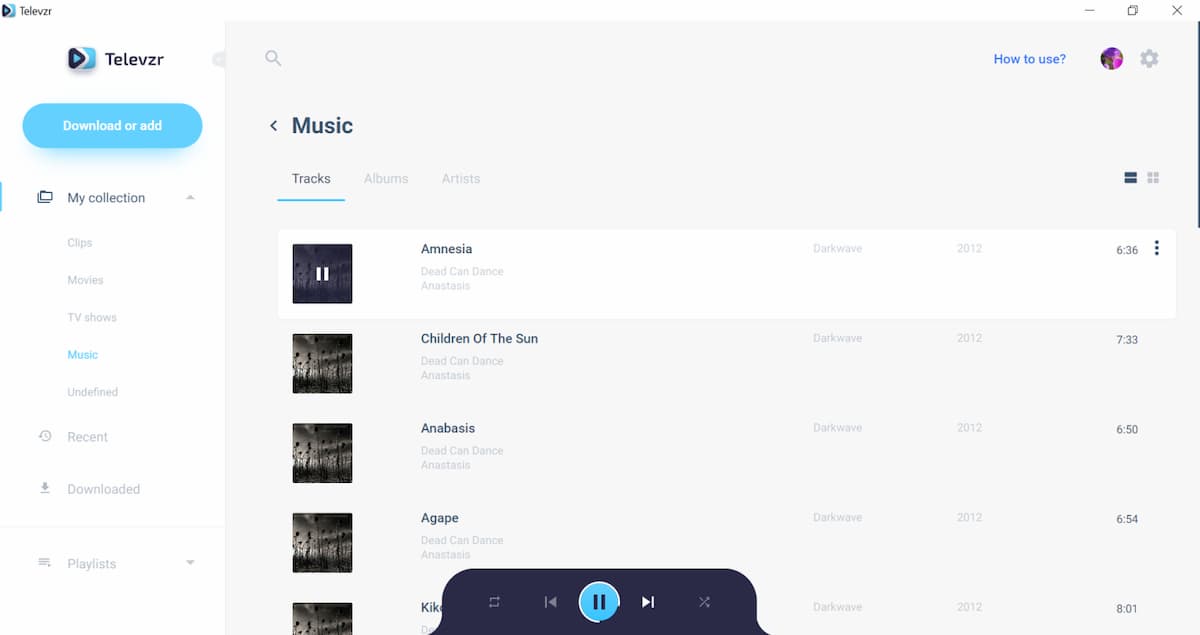
Televzr comes with an excellent sound quality that will make your media experience remarkable. You can manage your sound settings in Televzr player any moment, using the dark coloured bar for control settings.
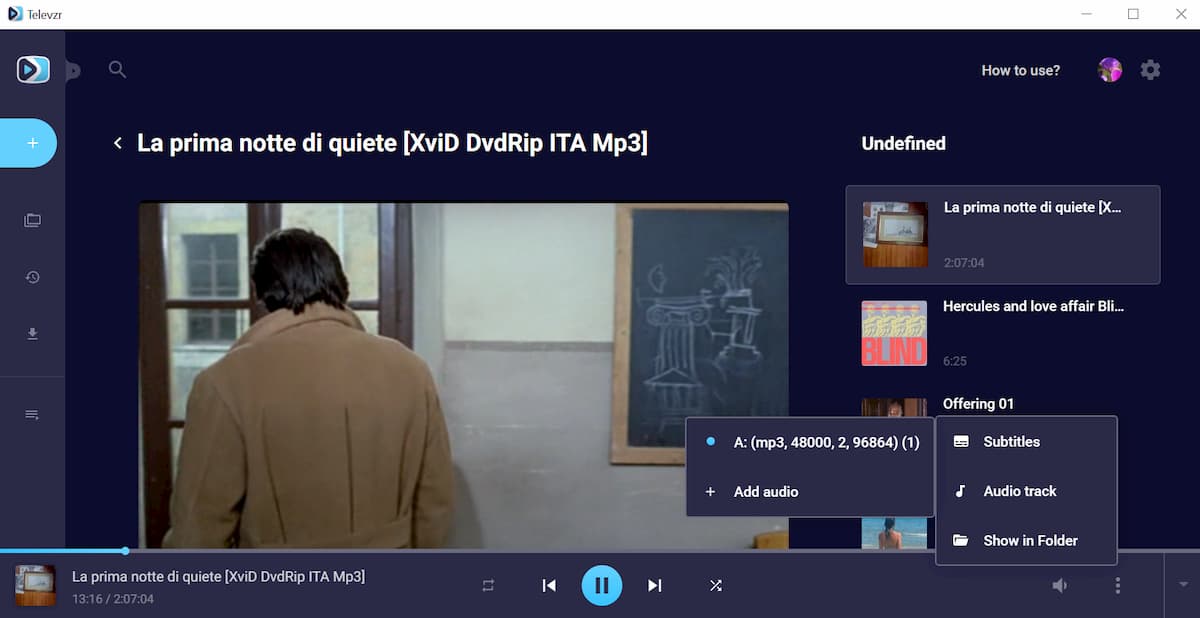
Televzr will play your movies and videos using the default existing language. However, in some cases it will be possible to add a different audio track to the media.
DMCA
We take copyright infringement very seriously, thus any kind of copyright infringement is not allowed. Pursuant to the repeat infringer policy requirements of the Digital Millennium Copyright Act, we maintain a list of DMCA notices from copyright holders and make a good faith effort to identify any repeat infringers. Those that violate our internal repeat infringer policy will have their accounts terminated. Once the copyright holder sends us a notice, we will blacklist the mentioned material from the searching results. You can send us a removal request via the following form:


 Deutsch
 English
 Español
 Français
 Italiano
 日本語
日本語 한국인
한국인 Português (Brasil)
 Русский
 中国人
中国人